
 Exclusive Products
December 3, 2025
Print Media
Ricoh 132P Black & White Laser Printer Review– Features & Real-World Performance
Last updated: December 2025
The Ricoh 132P is a powerful yet compact monochrome laser printer designed for small offices, home workspaces, and business counters that need fast, clear and consistent black-and-white printing. With rapid 34 ppm output, automatic duplex printing, a sturdy paper-handling system, and low running costs, the Ricoh 132P stands out as a reliable everyday workhorse. Its simple setup, crisp 1200 × 1200 dpi text quality, and durable build make it perfect for documents, reports, invoices and office workflows. This summary highlights all major strengths while keeping the explanation simple and user focused.
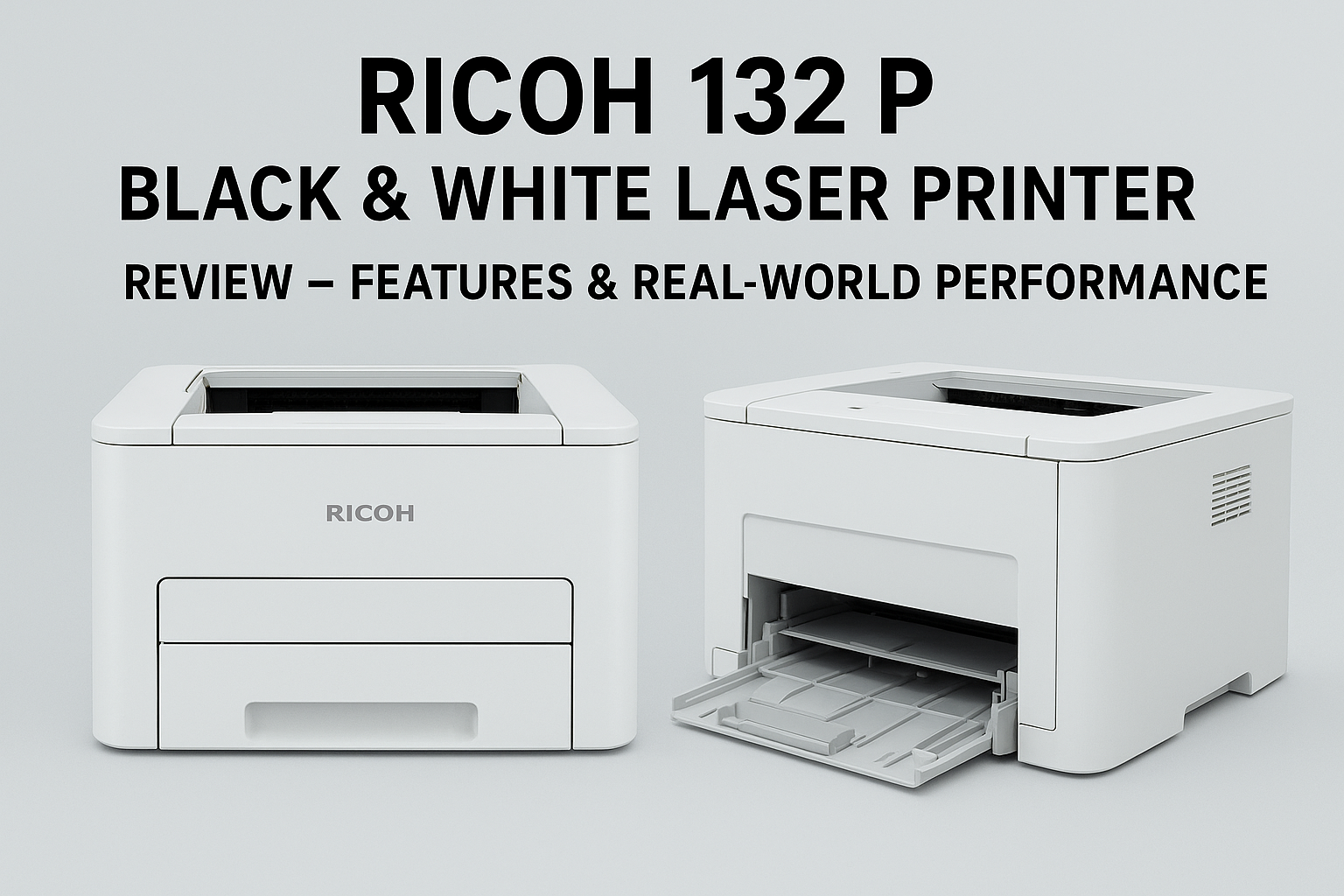
Summary: The Ricoh 132 P is a compact, efficient monochrome laser printer that focuses on fast, reliable black-and-white output for small offices, home offices, franchise counters and branch locations. It offers automatic duplexing, a 250-sheet main tray plus a multipurpose tray, and solid text quality at an approachable price.
Key specifications at a glance
- Print speed: Up to 34 ppm (monochrome)
- Maximum resolution: 1200 × 1200 dpi
- Paper capacity: 250-sheet main tray + 50-sheet multipurpose tray
- Duplex printing: Automatic
- Interfaces: USB 2.0 and Ethernet (optional Wi‑Fi dongle for wireless)
- Memory: Entry-level (typically 64 MB)
- Dimensions (approx): Compact footprint to fit on a desk or small shelf
Fazter vs Traditional E-Commerce Sites: Price, Value & Savings Compared
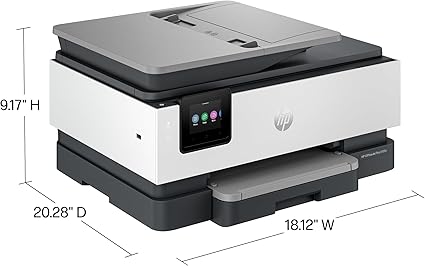
$301 $399 (25% off) Free Shipping

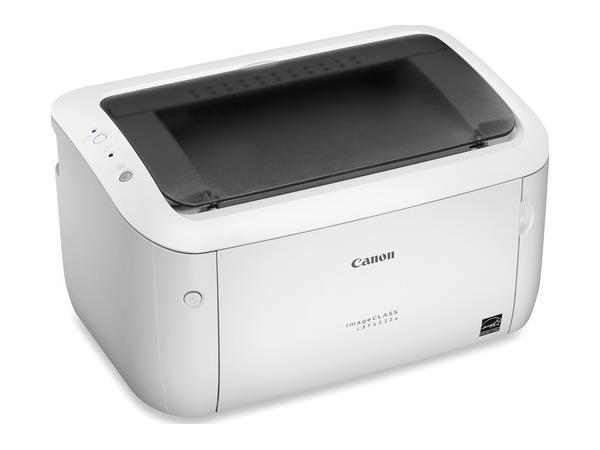
$139 $479 (71% off) Free Shipping
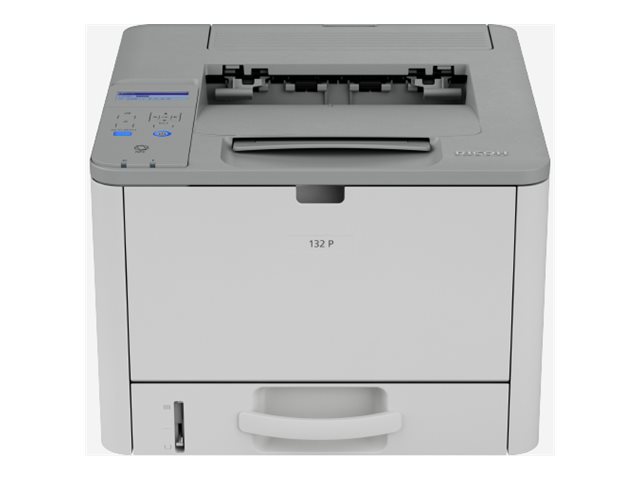
$169 $270 (37% off) Free Shipping
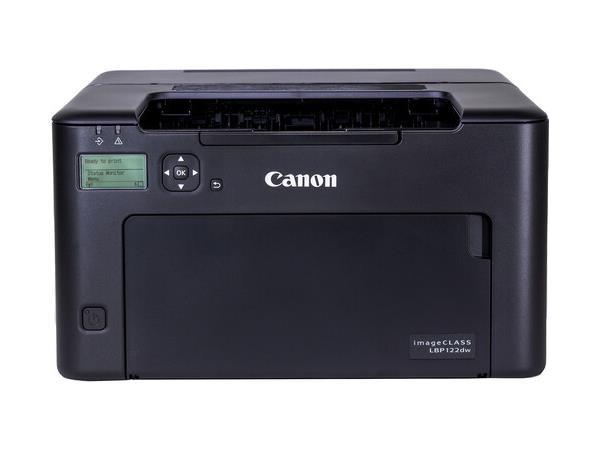
$197 $415 (53% off) Free Shipping
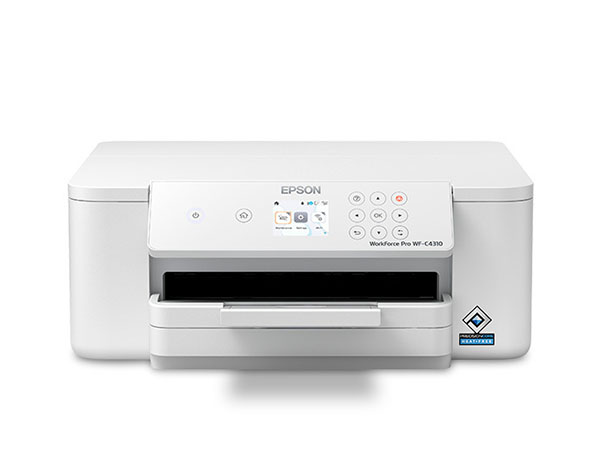
$209 $699 (70% off) Free Shipping
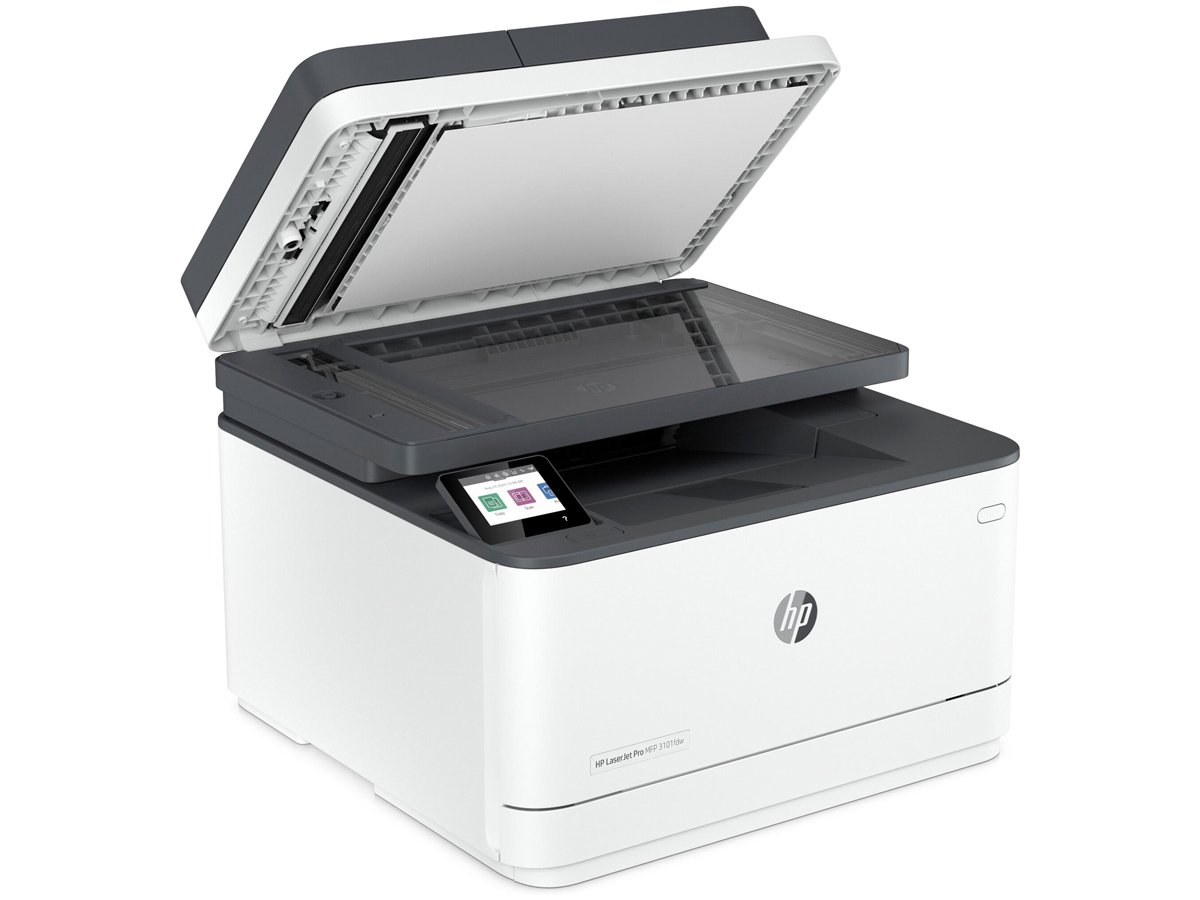
$216 $309 (30% off) Free Shipping
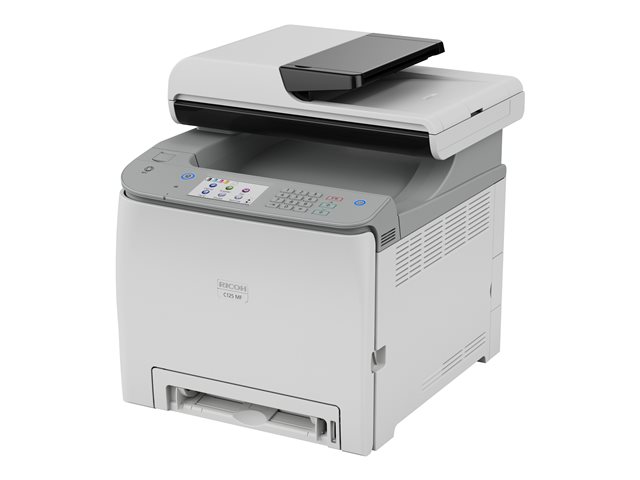
$234 $387 (40% off) Free Shipping
Design & build — compact and practical
The Ricoh 132 P aims to deliver business-friendly performance in a small chassis. It has a clean rectangular profile that fits on a desk or counter, a front-loading paper tray for easy replenishment, and a top output area that keeps pages accessible. The chassis feels sturdy for this class of device and the toner access points are simple to use.
Physical highlights
- Front paper tray with a separate multipurpose tray for envelopes, labels and odd sizes.
- Simple LCD status panel (non-touch) that displays status and error messages clearly.
- USB and Ethernet ports on the rear; Wi‑Fi available through an optional adapter.
Performance — fast text printing with good clarity
Rated up to 34 pages per minute, the 132 P performs well for text-heavy workflows. The high-resolution rendering (1200 × 1200 dpi) produces crisp, legible fonts and fine line art suitable for invoices, contracts and internal reports. Graphics and grayscale charts print acceptably for office use, but this is not a photo device — it is tuned for document output.
Practical performance tips
- Use the 250-sheet tray to avoid frequent refills in medium-volume environments.
- Set duplex as the default for internal documents to save paper and produce professional double-sided reports.
- Complex, font-heavy PDFs may take longer to process when memory is limited; flattening or pre-processing PDFs can speed printing.
Paper handling & media support
The unit supports standard letter and legal paper sizes, automatic duplexing and envelope printing from the multipurpose tray. The multipurpose tray also handles labels and heavier stock up to the device's specified weight limits. For most small businesses, the standard configuration covers the typical set of media without requiring optional feeders.
Connectivity & mobile printing
Standard connectivity includes USB and Ethernet, making it straightforward to attach to local workstations or a wired office network. For wireless printing, Ricoh offers an optional Wi‑Fi dongle that enables AirPrint and Mopria support for mobile devices. The printer supports common languages such as PCL and PostScript emulation for wide compatibility.
Security & manageability
Built-in network security features, such as TLS and SNMP v3, provide basic protection for networked deployments. The printer also supports hold/locked print workflows so sensitive documents do not automatically print until the user is present to release them — a simple but important feature for shared environments.
Consumables & running costs
Operating cost depends on toner yields and local cartridge pricing. The 132 P uses a single black toner cartridge; enabling draft or toner-saver modes and defaulting to duplex printing will reduce consumable usage. To maintain print quality and avoid reliability issues, buy toner from reputable suppliers or directly from Ricoh-authorized channels.
Ways to reduce running cost
- Use draft mode for internal documents and proofs.
Make duplex printing the default wherever possible.
Keep a spare cartridge in stock if your office experiences bursts of high-volume printing.
Drivers, firmware & support
Ricoh provides drivers, firmware updates and documentation from its support portal. Regularly checking for firmware and driver updates can help maintain compatibility with modern operating systems and fix issues. Warranties and support terms vary by region — check local reseller terms when purchasing.
Pros and Cons
Pros
- Fast monochrome printing — good for text-intensive workflows.
- Compact footprint suitable for small spaces.
- Automatic duplexing saves paper and adds professional touch to reports.
- High-resolution text at 1200 × 1200 dpi for crisp output.
- Simple and easy-to-learn controls.
Cons
- No built-in Wi‑Fi in the standard unit (optional dongle required).
- Entry-level memory may slow processing of very complex jobs.
- Monochrome only — not suitable where color is required.
- Basic front panel (no touchscreen or advanced finishing features).
Who should buy the Ricoh 132 P?
The Ricoh 132 P is a great fit for small businesses, home offices and branch locations that primarily need dependable black-and-white printing. It’s valuable in contexts where a small footprint, fast text output and low complexity are more important than color printing or advanced finishing. It’s less appropriate for design studios, photo printing or teams that rely on color charts and visuals.
Setup & everyday tips
Quick setup checklist
- Place the printer on a stable, level surface with some clearance around it.
- Install the toner and load paper before powering on.
- Prefer Ethernet for stable network printing; add the Wi‑Fi dongle only if wireless is required.
- Install Ricoh drivers or OS-provided drivers and set duplex and paper defaults in the driver panel.
Daily maintenance
- Keep the output area free of obstructions to avoid jams.
- Store paper in a cool, dry place to prevent curling and misfeeds.
- Run device-recommended cleaning or calibration steps if print density changes over time.
Price & value
Pricing varies by region and reseller. The 132 P is positioned as an entry-to-mid level business printer: its value comes from speed, duplexing and reliability rather than bells-and-whistles. For teams that need only monochrome output, it generally represents good value when you include paper-saving duplexing and Ricoh’s support infrastructure.
Frequently Asked Questions
Is the Ricoh 132 P suitable for a small office that prints 2,000 pages per month?
Yes — for light to moderate monthly volumes like 2,000 pages, the 132 P is an appropriate choice. For sustained heavy loads (e.g., over 10,000 pages/month) consider a higher-duty workgroup printer with larger trays and a higher recommended monthly duty cycle.
Does the Ricoh 132 P support wireless printing?
Not by default. The base unit includes USB and Ethernet. Wireless printing (AirPrint/Mopria) becomes available when you install Ricoh’s optional Wi‑Fi adapter.
Can the 132 P print envelopes and labels?
Yes — the multipurpose tray supports envelopes, labels and odd-sized media. Always check the user manual for supported weights and sizes to avoid jams.
How hard is it to replace the toner?
Toner replacement is straightforward. The front access and a single black cartridge design allow quick swaps with minimal downtime.
Final verdict
For users who need a fast, compact, monochrome printer that focuses on producing high-quality text and dependable throughput, the Ricoh 132 P delivers a strong, no-nonsense value. It is especially useful in small offices and branch environments where space and simplicity matter. If you require color, scanning or heavy finishing, look at multifunction or higher-end models instead.
Buy Best Printers for Home & Office
$526 $839 (37% off) Free Shipping
$584 $812 (28% off) Free Shipping
$1180 $1499 (21% off) Free Shipping
$194 $210 (7% off)
$352 $527 (33% off) Free Shipping
$297 $699 (58% off)
$411 $739 (44% off) Free Shipping
$498 $798 (38% off) Free Shipping
Lexmark MX431adn - Monochrome Laser - Duplex Printing
$407 $607 (33% off) Free Shipping
Related Blogs
My Canon Printer Won't Connect to Wi-Fi. What Should I Do?
How to Check Ink Levels on HP OfficeJet
Choosing the Best HP ENVY All-in-One Printer for Your Home Office
HP LaserJet Pro 4001DN Printer Review – Fast, Reliable, and Efficient
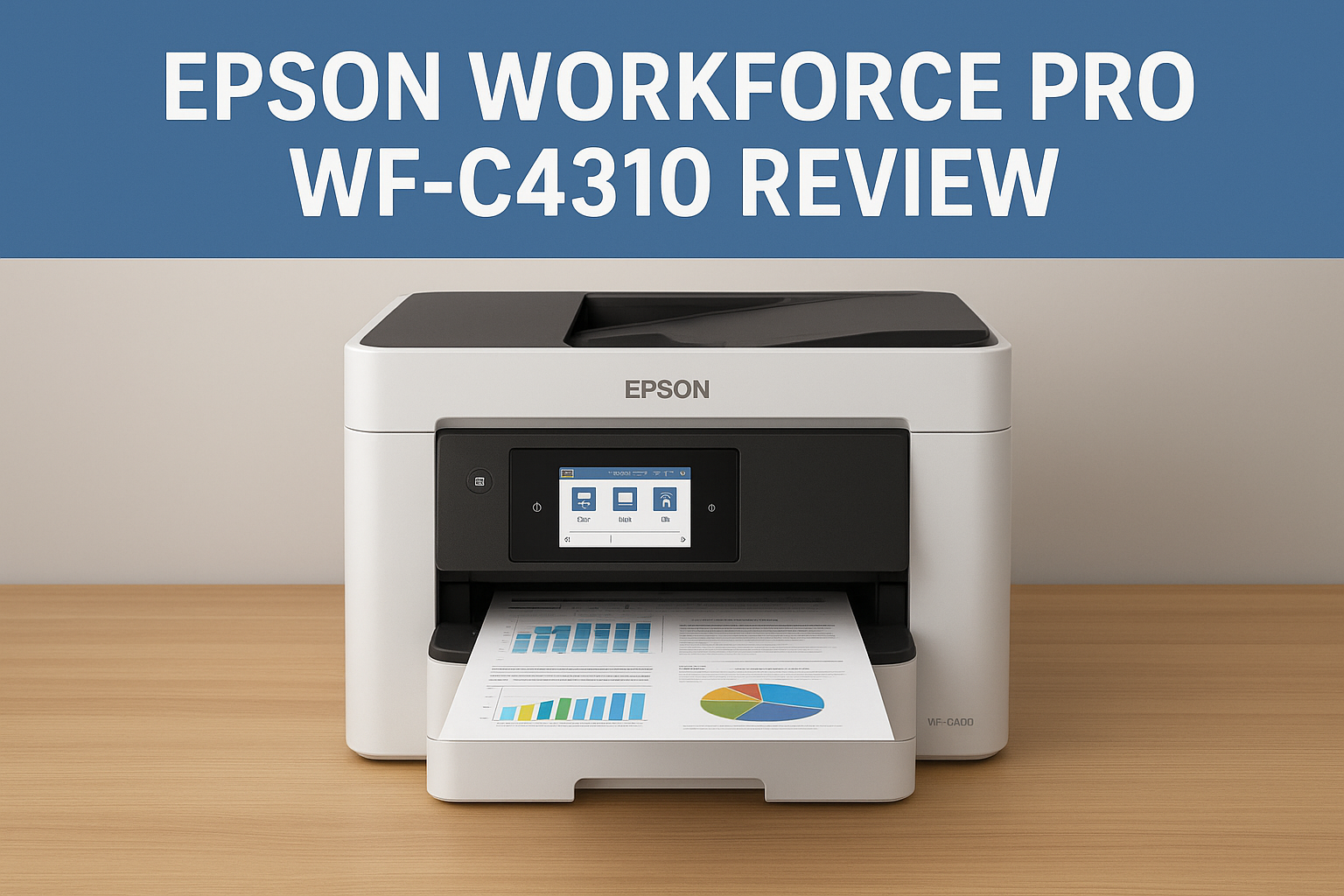
Epson WorkForce Pro WF C4310 Review- Powerful Performance for Busy Workspaces

Canon ImageClass LBP122DW Mono Laser Printer Review – Full Features, Performance and Buying Guide
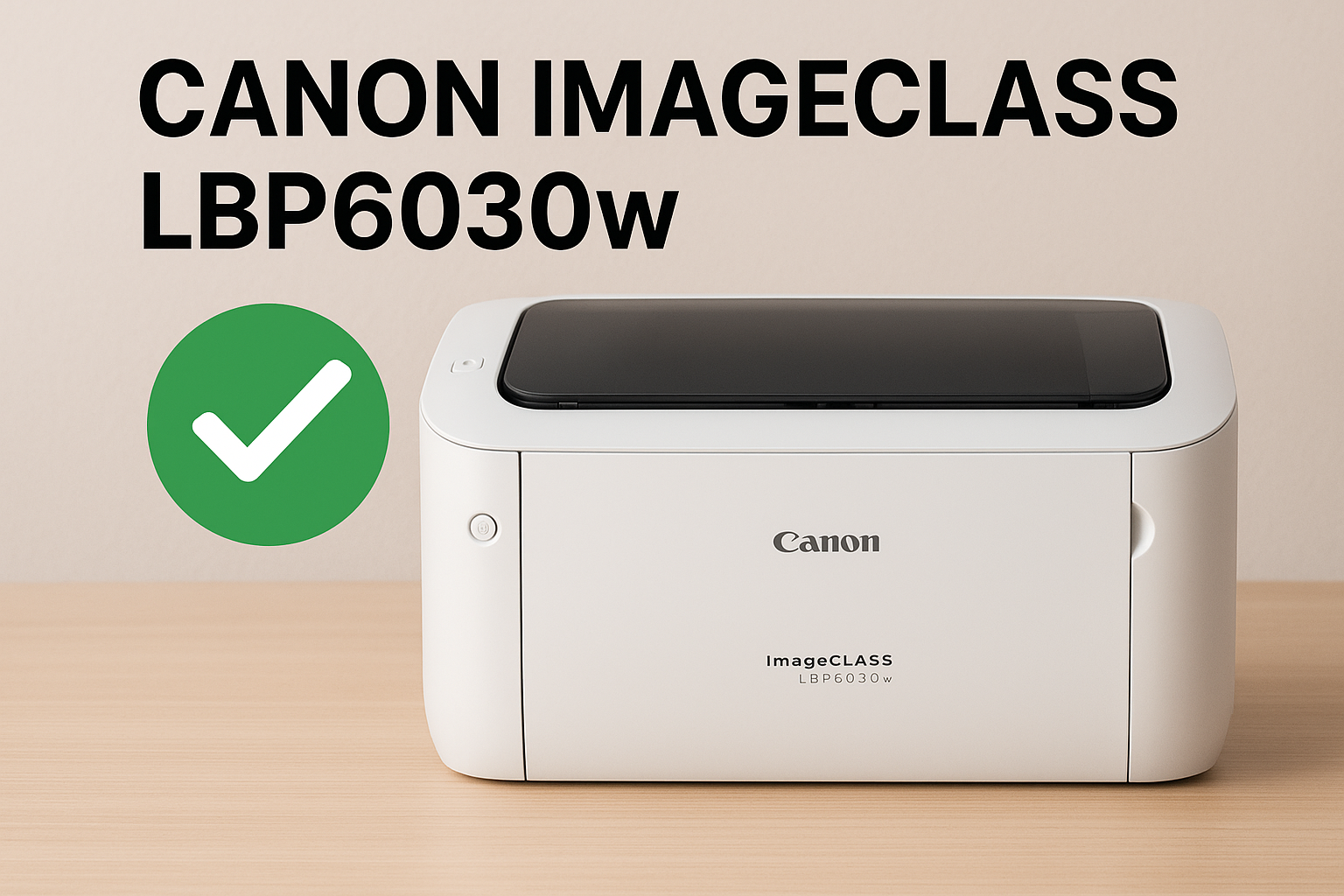
Canon imageCLASS LBP6030w Review – Compact, Fast & Wireless Laser Printer for Home and Small Offices
Why Is My Epson Printer Not Printing Black When Ink Is Full?