 Exclusive Products
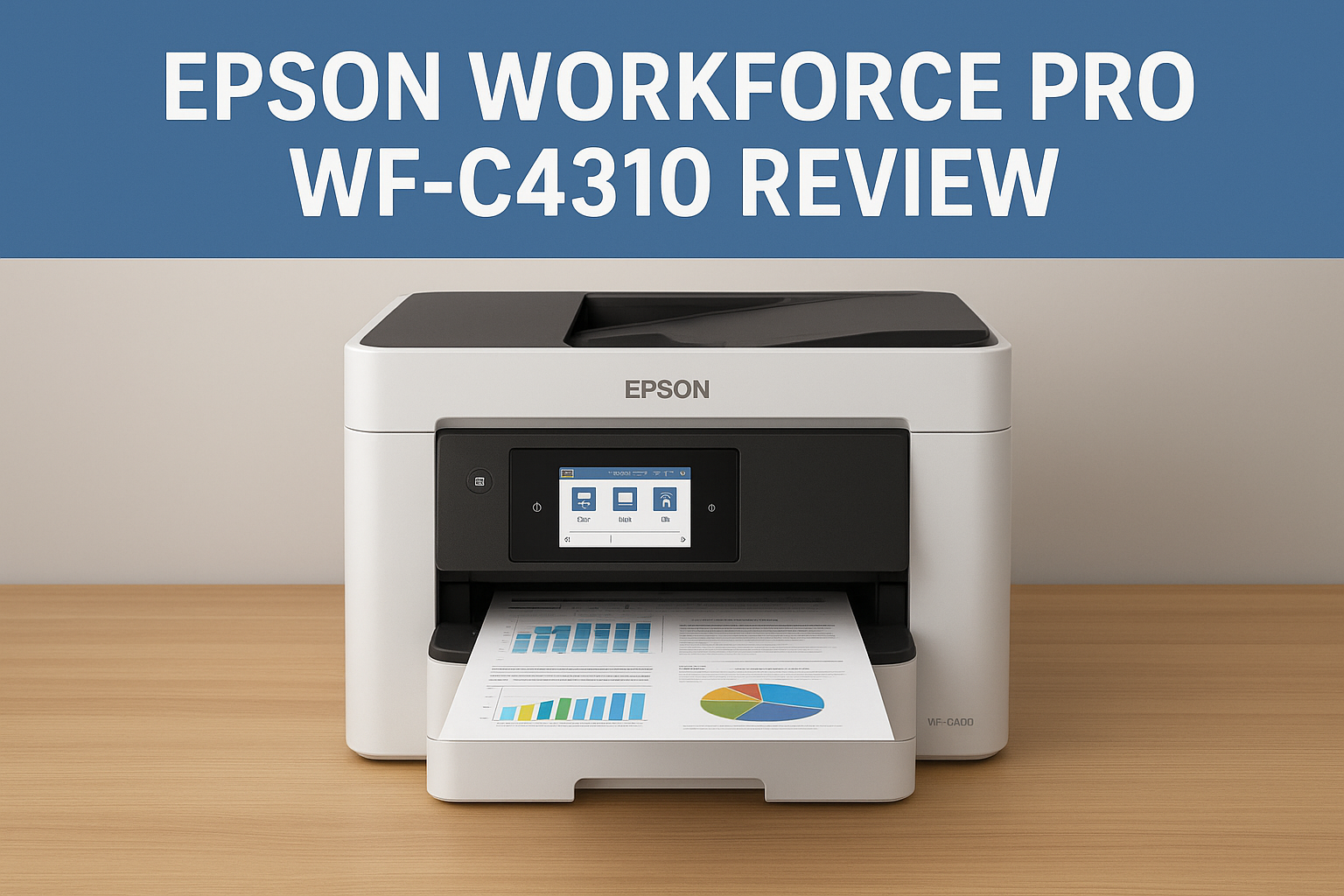
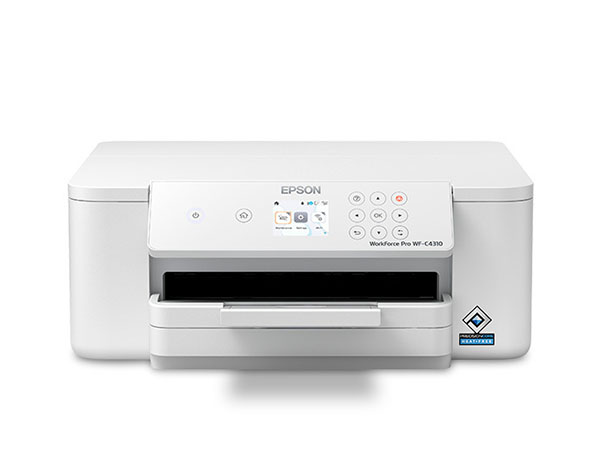
Epson WorkForce Pro WF C4310 Review- Powerful Performance for Busy Workspaces
Last updated: December 2025
Key Features
- Uses advanced heat free printing technology that delivers fast and reliable performance while keeping energy use low
- Produces sharp text and rich color prints with pigment based ink for long lasting professional results
- Supports quick printing for both black and color pages which helps improve daily office productivity
- Offers automatic two sided printing for saving paper and creating neat business documents
- Includes a simple color display that makes navigation and settings easy even for new users
- Compact body design that fits well in home offices or small workspaces without taking much room
- Works with wireless networks so users can print from laptops phones and tablets with ease
- Supports direct printing without a router thanks to wireless direct mode
- Handles a wide range of paper types including plain paper photo paper envelopes and thick media
- Borderless printing is available for photos marketing pages and creative materials
- Designed to accept high yield ink supplies which reduce the need for frequent refilling
- Built in tools for print management and easy maintenance help keep the printer running smoothly
Fazter vs Traditional E-Commerce Sites: Price, Value & Savings Compared
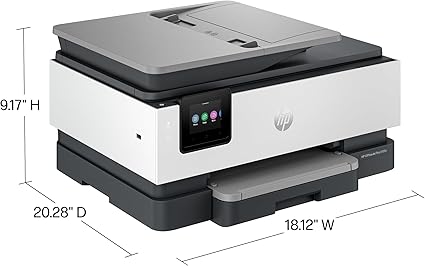

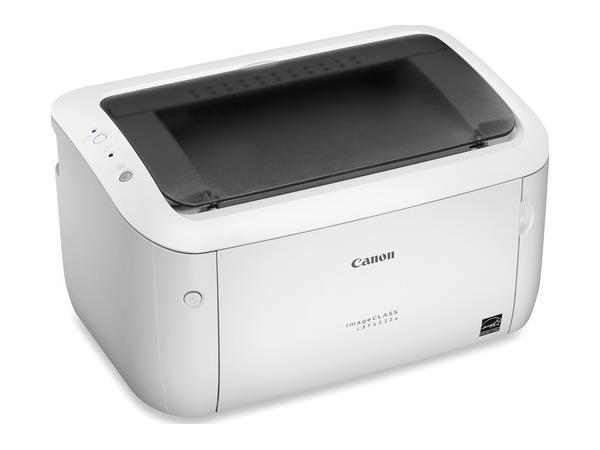
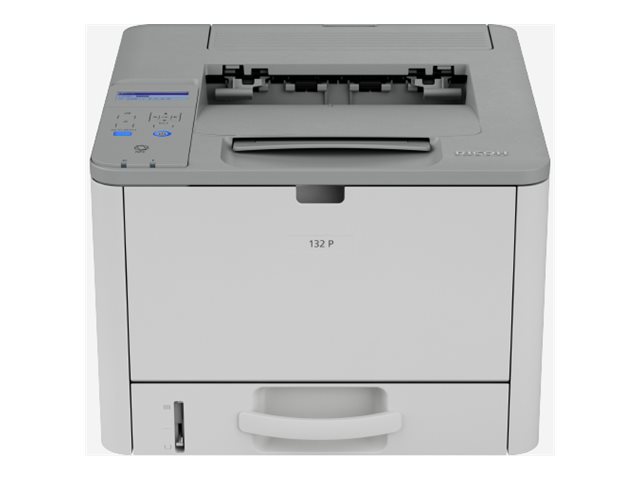
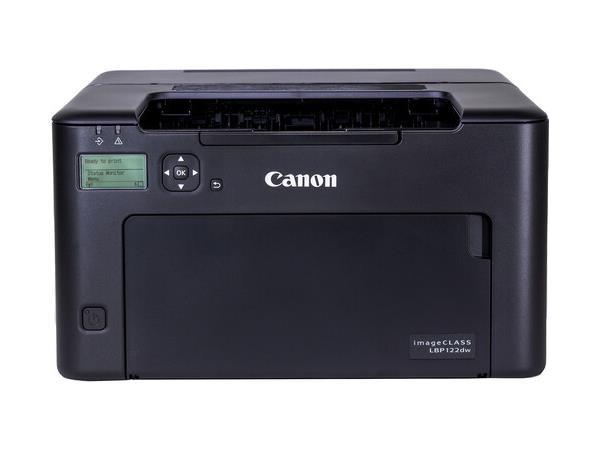
Epson WorkForce Pro WF C4310 Review Powerful Performance for Busy Workspaces
Design and first impressions
The printer has a compact footprint that fits nicely on a desk or a small shelf. Build quality feels solid and practical. The paper trays slide smoothly and the control panel is placed for easy reach. The overall look is tidy and professional which suits both home and office environments. Buttons and display controls are straightforward. Setup is designed to be simple so you can be printing within minutes of opening the box without wrestling with confusing menus.
Setup and initial use
Getting the printer ready for use is simple. The steps are laid out clearly in the documentation and the physical setup uses intuitive click in parts for trays and ink. Drivers are available online and the printer supports wireless connection options as well as wired network setup. For people who are not comfortable with technology the guided setup inside the printer interface is helpful and reduces setup time. After initial activation the printer is ready to handle documents and photos with no complicated tuning required.
Printing performance and quality
Text prints come out sharp with dark blacks and clean edges which is important for business documents. Color output looks vibrant and balanced for marketing materials, presentations, and colorful spreadsheets. Photographs show good color fidelity for casual use though they will not replace a dedicated photo printer for professional photography. Overall the print quality is consistent across different media types and the printer handles mixed jobs without trouble.
Speed and productivity
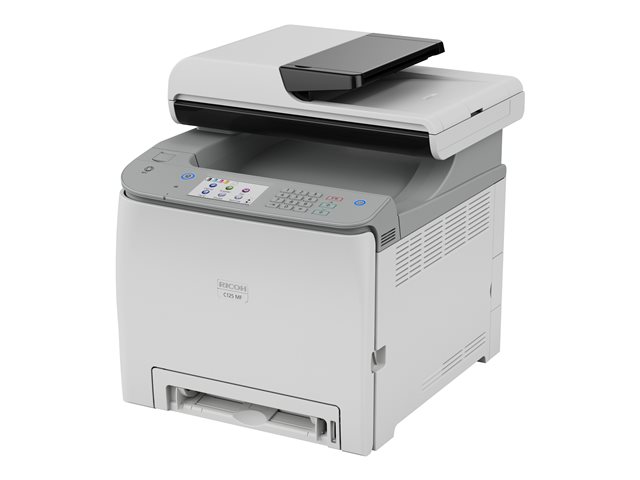
The printer is built to keep up with a busy workflow. It handles single page prints and multi page jobs smoothly. For users who print frequently the device reduces waiting time and improves productivity by managing job queues efficiently. Automatic functions such as duplex printing and an automatic document feeder help when scanning or copying multi page documents. These features are useful for offices that need to scan invoices and copy forms without manual effort.
Cost of ownership and ink technology
Epson uses a specific ink system designed to lower running costs compared to traditional cartridges. The ink bottles refill the tanks and this approach reduces waste and the frequency of replacements. For users who print a lot this can translate to noticeable savings over time. It is worth considering the cost of original ink supplies and how often you print when estimating long term expenses. The printer also includes tools to monitor ink levels so you are not caught off guard by an empty tank.
Paper handling and capacity
The paper input drawer accepts a range of paper sizes and weights which makes it versatile for different tasks. The tray design is sturdy and supports refilling while the printer is in use. The output area keeps pages neat and the device handles envelopes and heavier media without frequent jams. For users who handle mixed media such as labels and thicker paper the flexible paper handling helps keep jobs on schedule.
Connectivity and mobile printing
Users can connect via wireless network which makes printing from phones and tablets simple. There are also options for wired network connection which is handy for shared office environments. Mobile printing is supported so you can print directly from common phone apps and email. The network setup includes standard security features to keep work safe while allowing multiple devices to connect without fuss.
Scanning and copying features
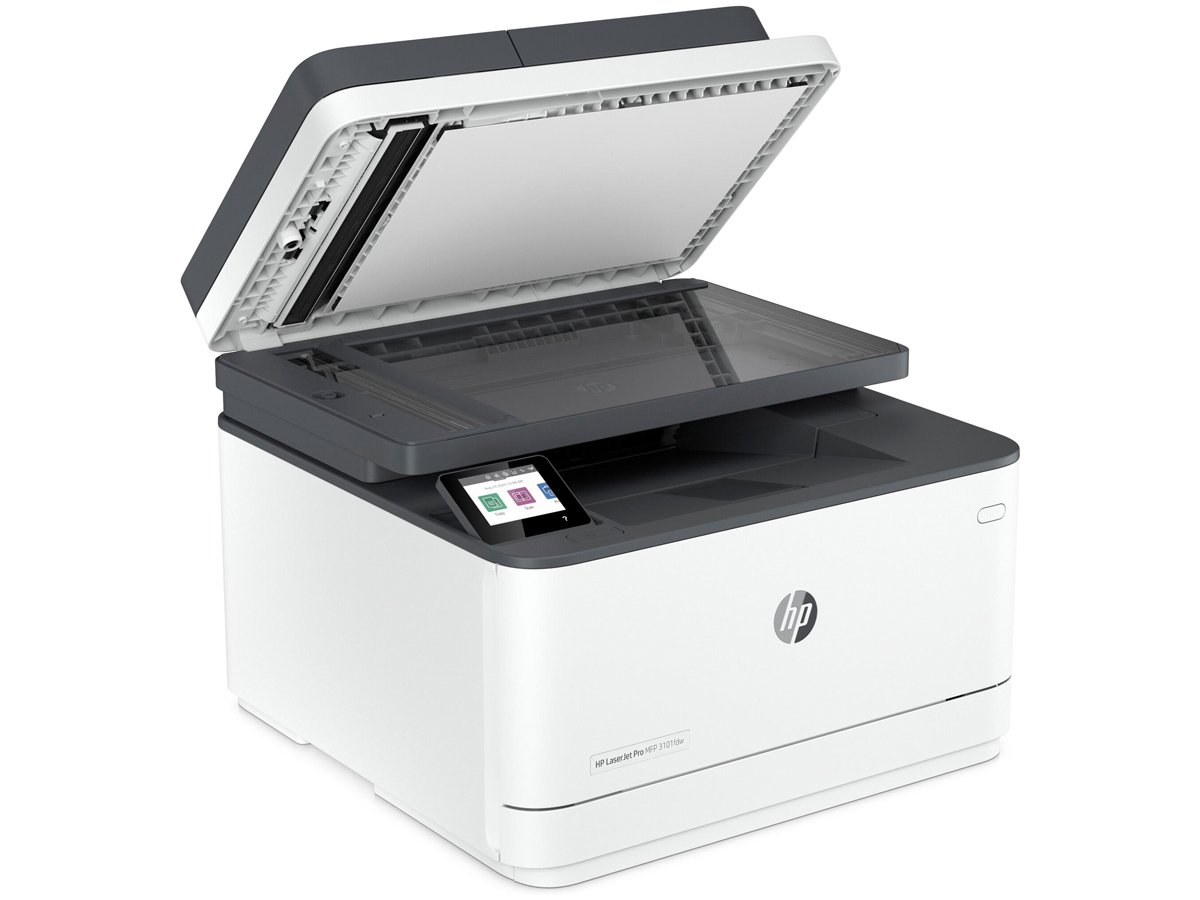
The scanner delivers good results for office documents and multipage scanning. The automatic document feeder saves time when processing stacks of papers and offers basic image enhancement features to improve legibility. Copying functions are straightforward and suitable for everyday office tasks. For more advanced scanning needs such as high resolution photo scanning consider a dedicated flatbed scanner but for most business use the built in scanner provides reliable performance.
Durability and reliability
Built to handle regular workloads the printer is robust and reliable. The mechanical components and paper path show design attention aimed at reducing common wear points. Regular maintenance is easy and the user guide explains best practices to keep the printer running well. For business users the reliability reduces downtime and helps maintain steady productivity without constant intervention.
Software and support
The printer includes helpful software for print management and device configuration. Drivers and utility tools make it easier to manage print queues and check device status. Epson support options include online resources and customer support that guide through troubleshooting steps. Documentation is clear which helps users resolve common issues by themselves. Extended support options are available through official channels for users who want additional coverage.
Who should consider this printer
- Small teams and home offices that need dependable color printing for documents and marketing materials
- Users who prefer lower ongoing ink expenses through refill style supplies
- People who want a compact reliable device with scanning and copying features
- Workspaces that require wireless printing from multiple devices and mobile phone printing

Pros and cons
Pros
- Solid print quality for both text and color documents
- Convenient refill ink system that reduces frequent cartridge changes
- Easy and straightforward setup
- Reliable paper handling for everyday office tasks
Cons
- Not designed as a high-end photo printer
- Best results require using original Epson supplies
Frequently asked questions
Is the printer easy to set up and use
Yes setup is guided and user friendly. The physical installation is straightforward and the on device menus help with network and ink setup. Drivers and apps are available to complete configuration and start printing quickly.
Can it print from mobile phones and tablets
Yes it supports mobile printing protocols that let you print from common phone apps and email. Wireless connection makes it simple to share the printer across multiple devices in a home or small office.
Does it save money on ink
The refill style ink approach is designed to lower running costs compared to single use cartridges. For users who print frequently this design reduces refill frequency and waste which helps control long term expenses.
Is it suitable for professional photo printing
While color output is good for business materials and casual photos it is not a replacement for a dedicated photo printer that uses a larger color set for professional photo finishing. For everyday photo prints and office graphics it performs well.
How reliable is the paper handling
The paper trays and automatic feeder are designed to be sturdy and handle mixed media with minimal jams. The printer performs consistently with envelopes, labels and heavier paper for typical office tasks.
What kind of support and warranty is available
Epson provides online support materials and contact options for customer service. Documentation explains routine maintenance and troubleshooting. Extended service plans may be available through official channels for additional peace of mind.
In conclusion the Epson WorkForce Pro WF dash C four three one zero is a well rounded inkjet option for users who need reliable color printing, reasonable running costs, and solid multifunction capability. It fits well in small offices and busy home workspaces where dependable daily performance and convenience are priorities.
Buy Best Printers for Home & Office