 Exclusive Products
Canon imageCLASS LBP6030w Review – Compact, Fast & Wireless Laser Printer for Home and Small Offices
Last updated: December 2025
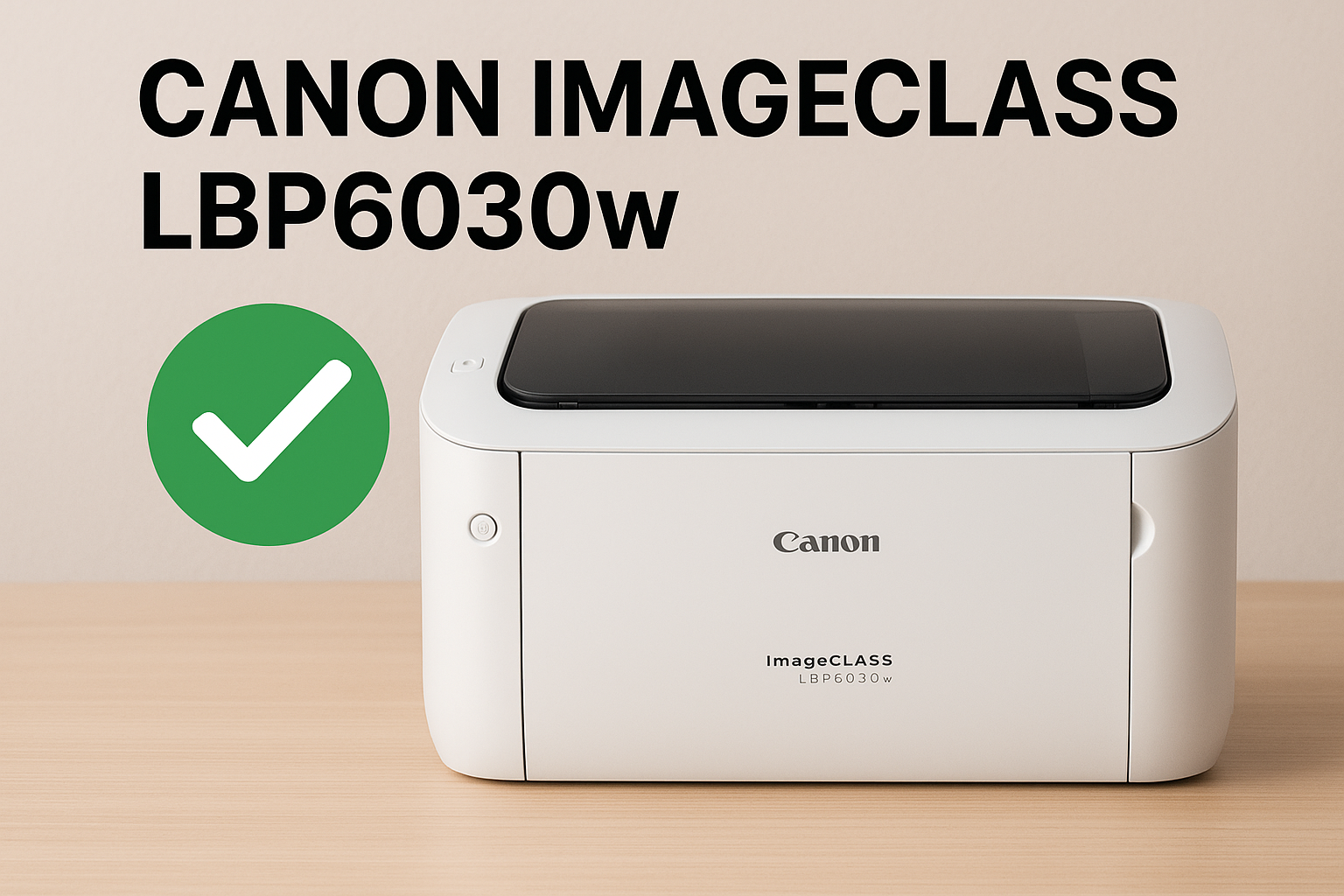
If you’re looking for a printer that fits on any desk, works quietly, and connects easily with your laptop, PC, or smartphone, the LBP6030w is a strong choice.
In this detailed review, we will explore its performance, build quality, print speed, wireless features, toner efficiency, usability, and why it has become a trusted model for thousands of users worldwide.
Fazter vs Traditional E-Commerce Sites: Price, Value & Savings Compared

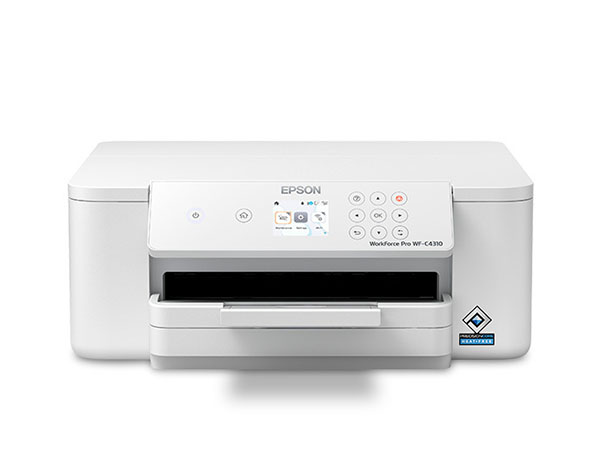
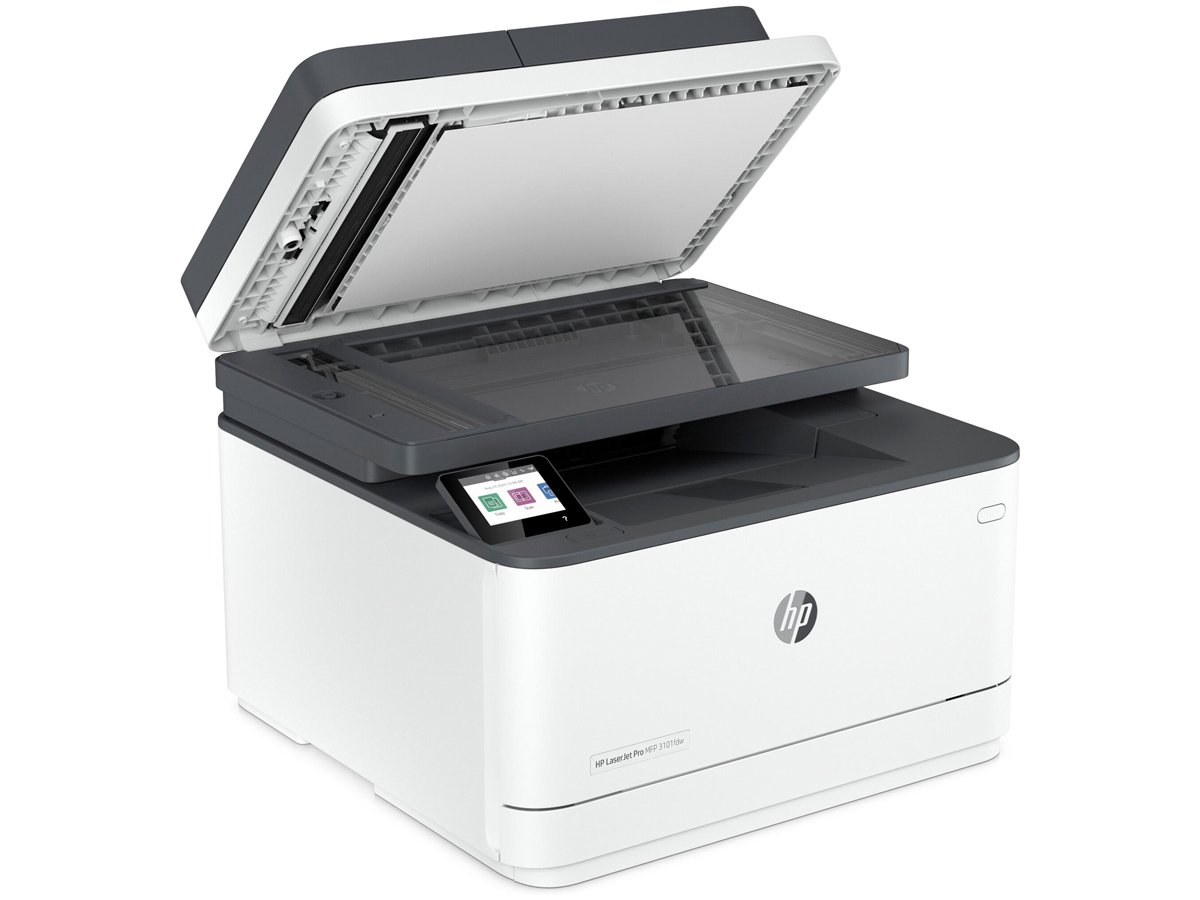
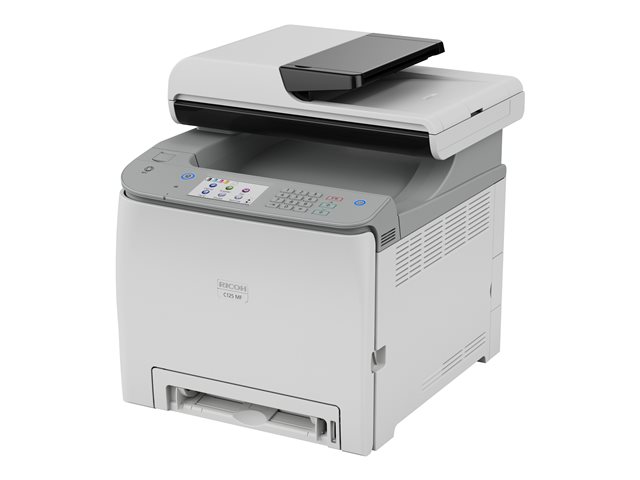
1. Design & Build Quality – Small but Solid
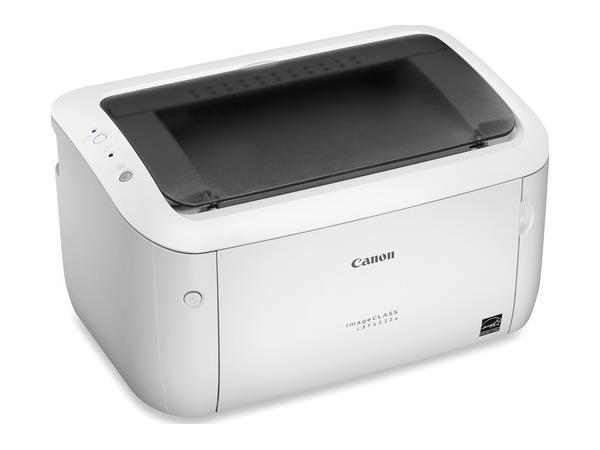
The very first thing you notice about the Canon LBP6030w is its compact and minimalist design. Canon created this printer to fit comfortably in tight spaces such as small desks, shelves, dorm rooms, and reception counters. Its lightweight build makes it very easy to move around, even for one person.
Key Design Advantages
Compact footprint – ideal for small rooms or crowded office tables
Simple, clean exterior – blends well with any interior
Sturdy body – designed for long-term durability
Quiet Operation – Canon’s “Quiet Mode” keeps printing noise very low
The internal paper tray holds up to 150 sheets, which is impressive for a compact printer. You don’t have to refill paper frequently, making it convenient for small offices or home use.
2. Printing Performance – Fast, Sharp & Reliable
Printing is where the Canon imageCLASS LBP6030w really shines. Canon’s laser printing engine gives sharp, crisp text and smooth black-and-white documents, perfect for business reports, invoices, schoolwork, and everyday printing.
Print Speed
- Up to 19 pages per minute (ppm)
- First print in approx. 7.8 seconds
This fast print output ensures you don’t have to wait long, even when printing multiple pages.
Print Quality
Canon uses 2400 x 600 dpi equivalent resolution with Automatic Image Refinement (AIR), producing:
- Sharp text
- Clean, smudge-free pages
- Professional-looking prints
This makes the LBP6030w perfect for both students and business users.
3. Wireless Printing – Print from Anywhere Easily
One of the biggest advantages of the LBP6030w is its built-in Wi-Fi connectivity, allowing you to print without messy cables.
Wireless Features Include:
- Wi-Fi printing from laptops and desktops
- Mobile printing via Canon apps (iOS & Android)
- Print from smartphones or tablets
- Multiple users can connect to the same printer
Once connected to your home or office Wi-Fi, the printer becomes a shared device for everyone. This is extremely useful in small teams or family environments where several people need printing access.
Mobile Printing App Support
Canon’s mobile apps allow you to:
- Print PDFs, photos, and documents
- Monitor print job status
- Manage printer settings
Setting up Wi-Fi is straightforward with the quick setup guide, and once configured, it stays connected reliably.
4. Power Efficiency – Low Cost & Environment-Friendly
The LBP6030w uses Canon’s Energy Saver Mode, designed to reduce power consumption when the printer is not in use.
Power Features
- Consumes as little as 1.6W in Sleep Mode
- Auto shutdown and wake-up functions
- Energy-efficient Canon technology
This helps reduce electricity bills, especially if the printer remains idle for long periods.
5. Toner & Running Cost – Affordable and Long-Lasting
The printer uses the Canon 725 toner cartridge, which offers a good balance of cost and yield.
Toner Details
- Standard Yield: 1,600 pages per cartridge
- High-quality original Canon toner
- No smudging or fading
You also get Canon’s Single Cartridge System, where the toner and drum are combined into one unit. This means:
- Every cartridge replacement gives fresh print quality
- No maintenance of separate drum units
- Fewer breakdowns and easier handling
The running cost per page is very economical, making this printer a smart long-term investment.
6. Ease of Use – Simple for Everyone
The Canon imageCLASS LBP6030w is built for users who don’t want complicated buttons, menus, or confusing setup processes.
Usability Highlights:
- One-button operation
- Simple driver installation
- Wi-Fi setup with straightforward steps
- Minimal maintenance
- Front-loading paper tray
Even first-time printer users will find it easy to operate.
7. Noise Levels – Whisper-Quiet Printing
Canon has implemented noise-reducing technology that keeps the printer extremely quiet.
- Ideal for homes with kids, libraries, study rooms, and office cabins
- The motor and rollers operate smoothly
- You can print at night without disturbing anyone
This is a big advantage over many other compact printers that tend to be noisy.
8. Ideal Users – Who Should Buy It?
The Canon LBP6030w is perfect for:
Students
They can print assignments, notes, and projects quickly and affordably.
Home users
Print bills, documents, tickets, and forms without stepping out.
Small Offices
Fast printing and wireless support makes it a great office companion.
Startups & Shops
For invoices, bills, and day-to-day documents.
Frequent Travelers
Its compact design is easy to carry or relocate.
9. Pros & Cons
Pros
- Compact and space-saving
- Fast laser printing
- Excellent text quality
- Wireless/Wi-Fi printing
- Low running cost
- Quiet operation
- Reliable Canon build quality
Cons
- Black-and-white only
- No scanning or copying (single-function printer)
- No duplex (automatic double-sided printing)
10. Final Verdict – Should You Buy It?
The Canon imageCLASS LBP6030w is an outstanding choice for users who need a reliable, fast, and wireless monochrome laser printer at an affordable price. Its print quality, speed, compact design, and low running cost make it one of the best value-for-money laser printers in its category.
If you need simple, high-quality black-and-white printing with the convenience of wireless connectivity, this printer is highly recommended.
FAQs (Frequently Asked Questions)
1. Does the Canon LBP6030w support color printing?
No, it is a monochrome laser printer and prints only black-and-white pages.
2. Can I print from my mobile phone?
Yes. You can print from Android and iOS devices using Canon’s mobile printing apps.
3. What toner does the printer use?
It uses the Canon 725 toner cartridge, with a yield of around 1,600 pages.
4. Does it have Wi-Fi?
Yes, the “w” in LBP6030w stands for wireless. It supports Wi-Fi printing.
5. Is this printer good for home use?
Absolutely. Its small size, fast prints, and low noise make it ideal for home users.
6. Does it support automatic duplex printing?
No, duplex printing is manual only.
7. How much paper does the tray hold?
It holds up to 150 sheets at a time.
8. Can I use it without Wi-Fi?
Yes. You can also connect via USB cable.
9. Is the setup easy?
Yes, Canon provides quick installation software for Windows and macOS.
10. How loud is the printer?
It operates very quietly and is suitable for noise-sensitive environments.
Buy Best Printers for Home & Office